Cookie
FlexiHub Team uses cookies to personalize your experience on our website. By continuing to use this site, you agree to our cookie policy. Click here to learn more.
Firmware Update Over the Air with FlexiHub
Olga Weis Olga Weis Last updated Oct 20, 2025

Remote Microcontroller Firmware Update Using FlexiHub

Microcontrollers need periodic firmware updates to improve security, add new features, and streamline performance. Technicians can avoid physically visiting the devices by performing a firmware over the air (FOTA) update. Over-the-air firmware updates simplify maintenance for embedded systems and IoT devices. This article discusses using FlexiHub to perform over-the-air flashing to perform firmware updates remotely.

The Benefits of Over-the-Air (OTA) Firmware Updates

Teams gain several advantages by using over-the-air programming techniques to update microcontroller firmware remotely.
  • Convenience: There is no need to access the device physically.
  • Security: Security patches can be deployed quickly to address identified vulnerabilities.
  • Cost-saving: Companies can reduce the number of visits by field technicians.
  • Scalability: Teams can quickly deploy updates to multiple devices across the network.
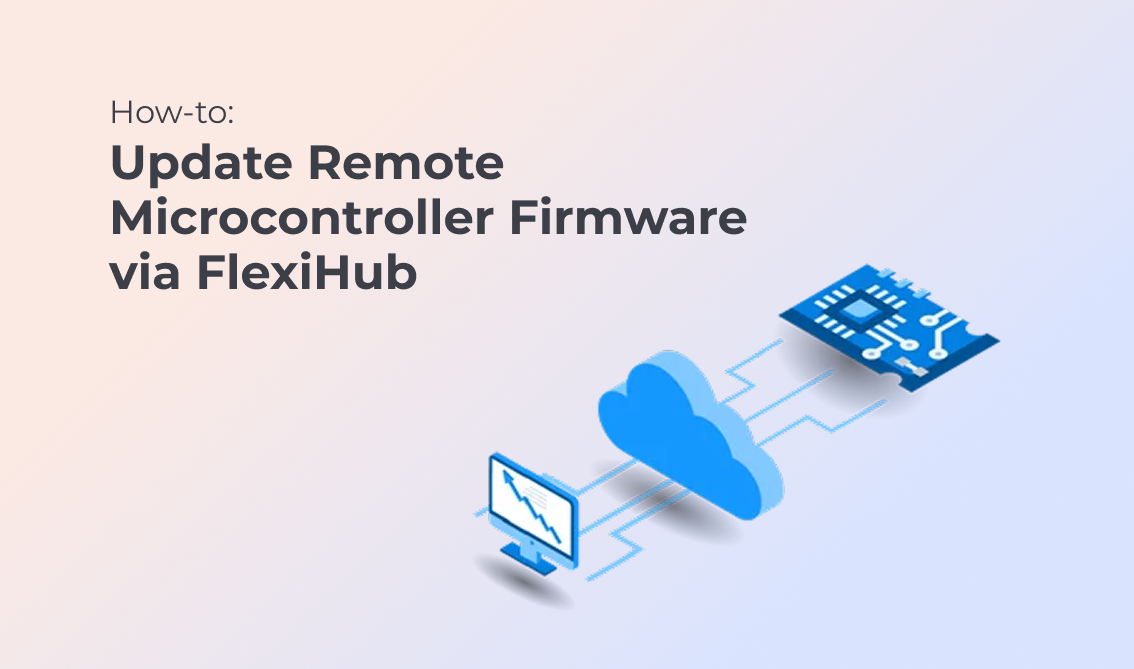
Popular microcontrollers like the STM32 and ESP32 support over-the-air programming capabilities and remote support.
Firmware Update Over the Air with FlexiHub

Performing Remote Firmware Updates with FlexiHub

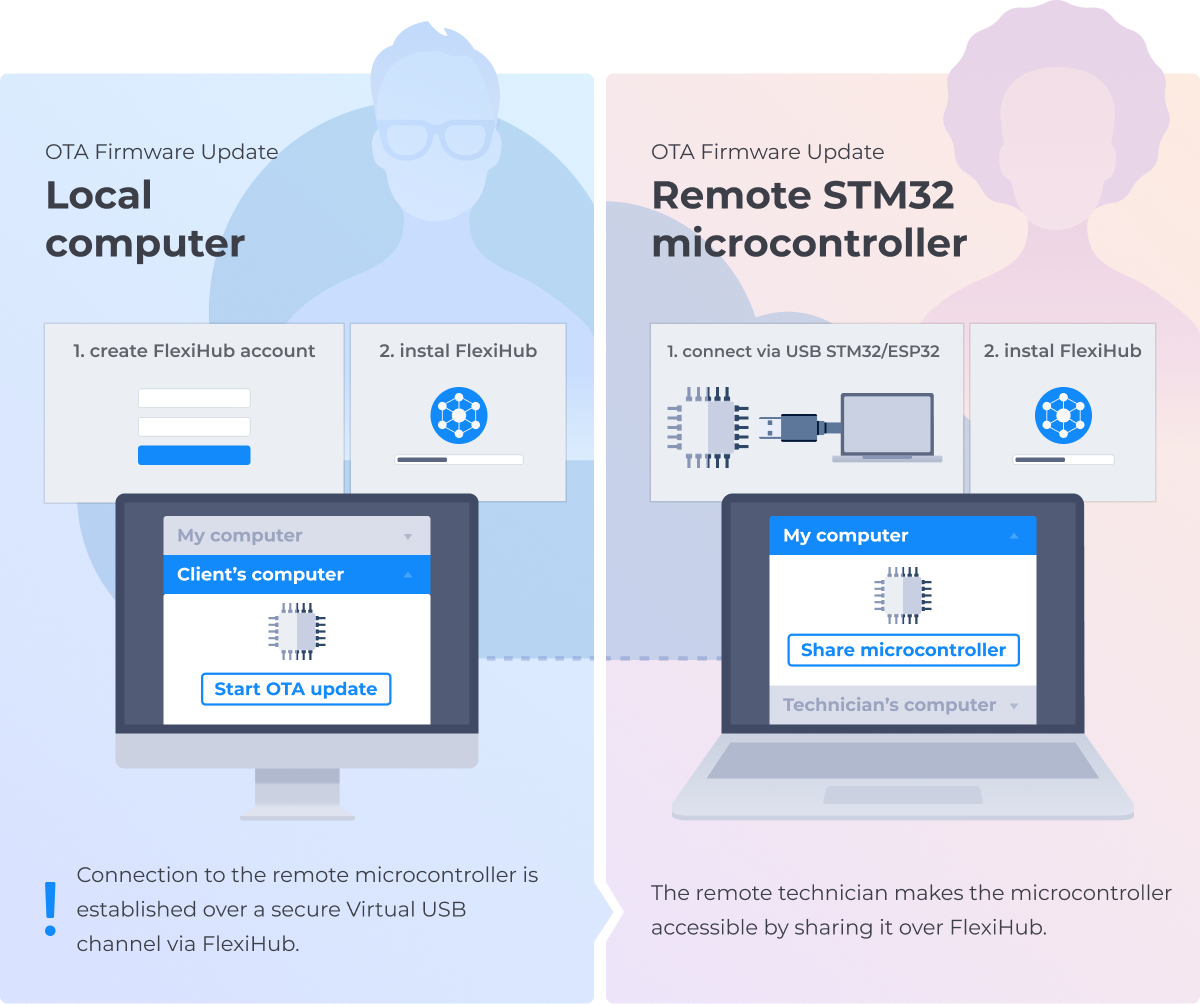
FlexiHub is a software tool that creates a virtual connection between remote USB devices and a local computer. Technicians can use the virtual connection to access embedded systems with the same functionality as if physically attached to the device. The virtual connection allows teams to perform OTA firmware updates.

How to update firmware over-the-air with FlexiHub:

  • 1.
    Install FlexiHub on the local computer and the remote machine that will be attached to the microcontroller.
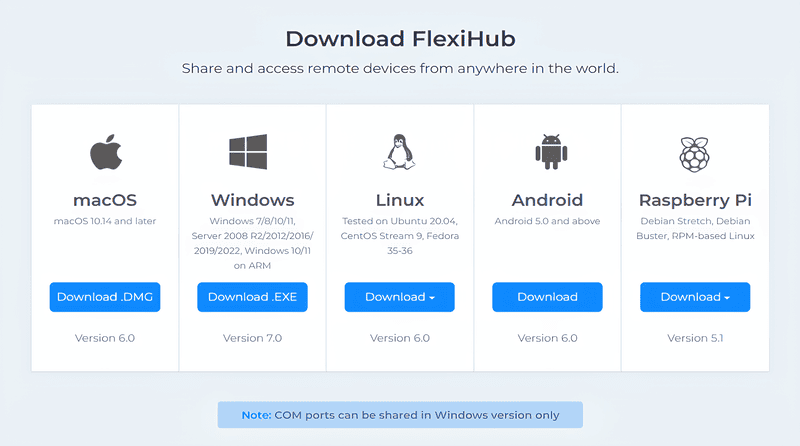
    Download and install FlexiHub
  • 2.
    Connect the microcontroller to the remote machine. blank
  • 3.
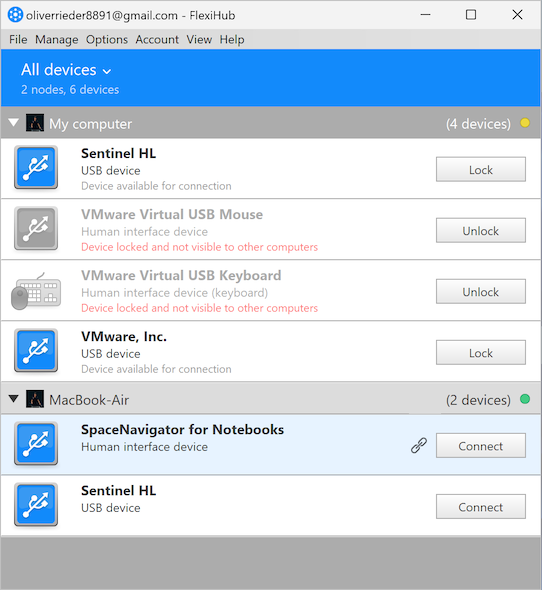
    Create a virtual USB connection to the microcontroller to provide remote access.
    Create a virtual USB connection
  • 4.
    Perform the OTA update remotely using standard firmware flashing tools. blank

OTA Firmware Update for STM32

Teams must use a bootloader supporting OTA to perform an STM32 over-the-air update. FlexiHub supports the process by:
  • Enabling remote connection to an STM32-based device;
  • Allowing firmware updates without physical access;
  • Using flashing solutions over a virtual USB connection.

Using FlexiHub for ESP32 OTA Updates

Technicians often use WiFi connectivity to perform an ESP32 OTA update. FlexiHub offers a practical alternative for performing the update over a USB connection. FlexiHub lets developers:
  • Access an ESP32’s serial port remotely;
  • Leverage Arduino OTA update tools or ESP-IDF using virtual USB connectivity;
  • Perform secure and encrypted firmware updates remotely.

Wireless Embedded Programming with VirtualHere as an Alternative to FlexiHub

VirtualHere offers an alternative approach to FlexiHub for remote embedded programming, enabling developers to perform firmware updates and access microcontroller programming interfaces over a network.

For embedded systems, VirtualHere can be used to access microcontrollers, debugging interfaces (e.g., JTAG, SWD), or serial programming adapters remotely. This facilitates firmware updates and programming without the need to be physically near the embedded device.

How VirtualHere Supports Embedded Programming

To use VirtualHere for embedded programming, the process typically involves the following steps:

  • 1.
    Set up VirtualHere Server on the Host Machine:
    Install the VirtualHere Server on the machine that is connected to the embedded system. This could be a PC or another device with a USB-to-serial adapter or USB programmer connected to the microcontroller. blank
  • 2.
    Install VirtualHere Client on the Remote Device:
    The developer or technician installs the VirtualHere Client on their machine, which allows access to the remote USB devices through the network. blank
  • 3.
    Access the USB Device Remotely:
    With VirtualHere, the remote system can access the embedded device's serial port, JTAG, or debugging interface as if it were directly connected, enabling the developer to perform firmware updates and debugging. blank
  • 4.
    Perform Firmware Update:
    The developer can use tools like OpenOCD for JTAG programming or avrdude for microcontroller flashing (for platforms like Arduino) to send the updated firmware over the network to the target embedded device. blank

Specific Use Cases for VirtualHere in Embedded Systems

  • 1.
    Remote Debugging:
    VirtualHere can be used to access debugging interfaces such as JTAG or SWD remotely. This allows developers to troubleshoot, test, and debug embedded systems without needing to be physically present at the device’s location. blank
  • 2.
    Firmware Flashing:
    Developers can use VirtualHere to perform firmware updates on devices like STM32, ESP32, and other microcontrollers. By creating a virtual USB connection, the developer can send firmware through a tool like OpenOCD or dfu-util to flash the device remotely. blank
  • 3.
    Access to Serial Interfaces:
    Many embedded systems provide access to serial ports for communication or firmware programming. VirtualHere enables remote access to these serial ports, making it possible to interact with microcontrollers or IoT devices over a network. blank
  • 4.
    Testing and Validation:
    Remote testing of embedded systems often requires access to USB-connected test equipment or serial interfaces. VirtualHere can facilitate remote access to such equipment, streamlining the testing and validation process. blank

Limitations of VirtualHere for Embedded Programming

While VirtualHere is a flexible tool for certain use cases in remote embedded programming, there are some limitations compared to other solutions:
  • Network Dependence: VirtualHere relies on a stable network connection to establish the virtual USB connection. If the network is slow or unstable, performance may degrade, making the remote programming process slower or less reliable.
  • Limited to USB Devices: VirtualHere is primarily designed for USB-over-IP, meaning it is best suited for embedded systems that use USB interfaces for programming and debugging. Devices that require specialized non-USB interfaces (like SPI or I2C) may not be as straightforward to program remotely using this tool.
  • Security Concerns: While VirtualHere supports encrypted connections, it is crucial to ensure that remote access is restricted to authorized users only, as it opens the USB interface to potential vulnerabilities.

VirtualHere vs. FlexiHub

Both VirtualHere and FlexiHub offer remote USB access, but they differ in their configurations and supported use cases:
  • FlexiHub often supports additional USB-over-IP functionality and may provide better support for remote serial port and USB device sharing in a corporate network environment.
  • VirtualHere is a simpler tool that is more focused on direct USB device access over the internet, which may suit embedded systems programming with USB-based interfaces, but it does not have as many advanced features as FlexiHub.

Conclusion

While FlexiHub provides a more comprehensive suite of tools for USB-over-IP and remote device management, VirtualHere offers a more straightforward and cost-effective solution for remote embedded programming in situations where USB devices (such as serial programmers or JTAG interfaces) need to be accessed remotely. It’s an effective choice for scenarios where simplicity and direct access to USB peripherals are the priority.

In summary, VirtualHere can be a practical alternative to FlexiHub for certain embedded systems use cases, particularly for USB device access and remote firmware updates. However, it is important to weigh its limitations and compatibility with your specific embedded programming needs before deciding to use it as your primary tool for OTA firmware updates.

Firmware Update Over the Air with FlexiHub
  • 4.8 overall rank based on 386+ Reviews
  • Requirements: Windows, macOS, Linux, Android and Raspberry Pi.
  • 11.51MB Size.
  • Version 7.0.15463. (17 Jun, 2025).
  • Pricing starts $14 per month billed annually