Cookie
FlexiHub Team uses cookies to personalize your experience on our website. By continuing to use this site, you agree to our cookie policy. Click here to learn more.

USB Redirector for remote POS devices access

FlexiHub is a professional USB Redirector software that allows share POS devices over Network and connects them in real-time no matter if they are down the hall, across the city, or on the other side of the world.
FlexiHub Personal — Get Devices from Anywhere
Interested in using FlexiHub for your business? Fill out the form to the right.
icon

Connect securely

icon

No drivers required

icon

Data transfer speed — up to 50 Mb/sec

icon

Unlimited support for USB devices

  • Connections through Redirection Server

    Using FlexiHub’s unique Redirection Server feature, USB over network connectivity can be established with computers without a public IP address. This allows USB devices attached to computers in different subnetworks to be connected without configuring complicated settings.

  • Create login tokens

    FlexiHub allows you to create login tokens so that other users could use your account to connect their USB over Network. The tokens are a safe way of sharing an account with others without the risk of exposing your login credentials.

  • Access USB in Virtual Environment

    Virtual machines usually do not allow to access USB and COM ports of a host machine. FlexiHub solves this problem in the best possible way. The app supports VMware, Citrix XenDesktop, Microsoft Hyper-V, Virtual PC.

FlexiHub
4.8 Rank based on 386+ users
Here’s how to redirect POS devices over network:
1

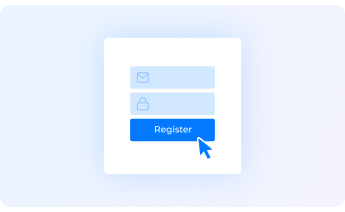
Registration

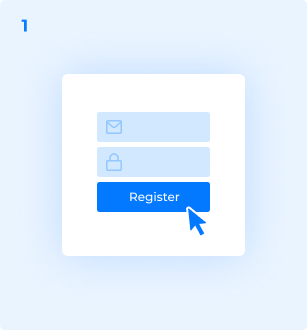
Firstly, sign up for a FlexiHub account and start a free demo period.
2

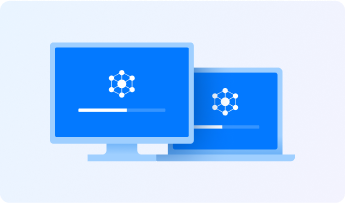
Installation

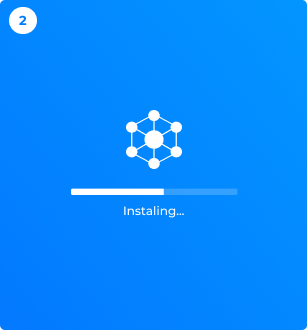
Install FlexiHub on all machines that will communicate with the POS device.
3

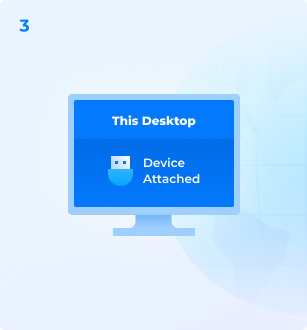
Connecting a device

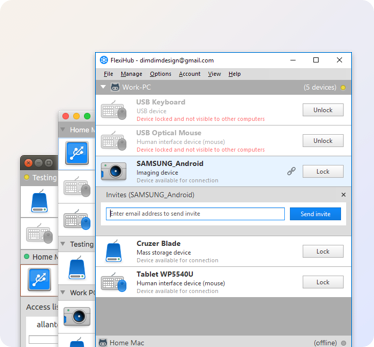
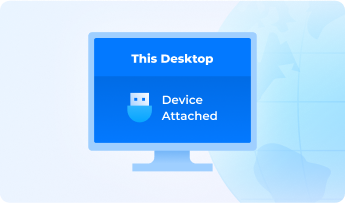
Next, start the app on your local PC with the device attached. The POS device will appear on the list of devices available.
4

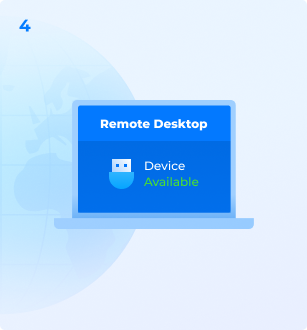
Access to a remote device

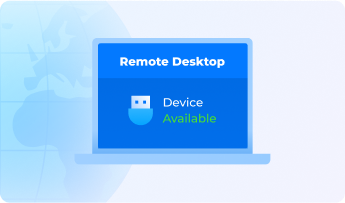
On the remote computer, sign into your FlexiHub account, choose a remote POS device from the list of devices available for connection and click "Connect".

That’s it!

Now the remote POS device will appear in your remote computer as if it were physically connected to this machine.
4.8
Feedback
based on 386 reviews
What People Say About FlexiHub
Complete compatibility
FlexiHub has been successfully tested and proved to be efficient sharing the following devices:
  • point of sale devices
  • POS printer
  • POS terminal
  • barcode scanner
  • ZTC ZM400-200dpi ZPL
  • ZTC ZP 450-200dpi
  • ZTC GK420t
  • Printer-80
  • ATOL USB device
  • Mercury-119F
  • Mercury-119
  • Lane5000
  • Scanmatik SM2
View Full List
FlexiHub — redirect POS devices over Internet
Let's get started! It only takes a few minutes to register your account.